Features
What Momnt IPTV does with your service
Momnt is the player, your provider is the service. Everything below describes what the app does with the channels, guide data, films and series your provider already sends — nothing here is content we supply.
- Connects with
- Xtream Codes, M3U + XMLTV
- Guide data
- From your provider
- Runs on
- iPhone and iPad
- Account needed
- None
Watching
The playback layer is built on a VLC engine, so the formats an IPTV service actually sends — not just the ones Apple decodes natively — play without a workaround.
Live TV
Your provider’s channels, grouped by their own categories, with what is on now and what follows it shown on the channel itself. Favourites and recently watched sit at the top so the channels you use are never more than a tap away.
A player with the controls you need
Subtitle and audio track selection, playback speed, a sleep timer and an optional statistics overlay when a stream misbehaves. Picture in Picture keeps the video on screen while you use another app, and audio can keep playing when you leave.
HD, Full HD and 4K
Playback resolution is whatever your service sends. The stream buffer is adjustable, which is the setting that matters on a congested connection or a distant server.
AirPlay to the big screen
Send playback to an Apple TV or an AirPlay-compatible television from the player, without mirroring the whole device.
Guide and reminders
An IPTV service without a usable guide is a channel list. Momnt builds a proper programme guide from whatever your provider supplies.
Electronic programme guide
Momnt reads the EPG your service publishes — an XMLTV feed or the guide built into an Xtream Codes portal — and draws a scrollable grid across channels and time, with a programme detail view for each entry.
Programme reminders
Set a reminder on anything in the guide and iOS notifies you before it starts. Reminders are scheduled on your device by the system; nothing about what you are watching is sent anywhere to make them work.
Catch-up, where your provider offers it
When a service exposes an archive for a programme that has already aired, Momnt plays it from the guide entry instead of leaving you to find it.
One search across everything
Channels, movies, series and upcoming guide programmes come back in a single result list, so you do not have to guess which section a title lives in.
Movies and series
On-demand content from your service, presented as a library rather than a folder listing.
Movies
Your provider’s film catalogue with poster artwork, synopsis and runtime, browsable by category and searchable by title.
TV series
Series are grouped into seasons and episodes with episode summaries, so a long-running show is navigable instead of being one flat list of files.
Offline downloads
Download a film or an episode for a flight or a commute. Transfers continue in the background, default to Wi-Fi only, and stay inside a storage limit you choose. Downloaded files are excluded from iCloud backup.
Favourites and My List
Keep channels and titles you return to in one place. Saved content belongs to the playlist it came from, so switching services does not mix two libraries together.
Setup and privacy
The part most IPTV apps get wrong. Momnt has no account, no sign-up and no server of ours between you and your provider.
Xtream Codes and M3U
Enter an Xtream Codes server, username and password, or point Momnt at an M3U playlist URL with an optional XMLTV guide. Both are supported first-class, not as an afterthought.
Provider codes
If your IPTV service works with Momnt, a short code fills in the server details and applies their branding. You still type your own username and password — the code carries configuration, never credentials.
More than one service
Add several playlists and switch between them. Each keeps its own catalogue, guide, favourites and history.
Credentials stay on your device
Your IPTV username and password are stored in the iOS Keychain and sent only to the server you configured. Momnt operates no proxy, no relay and no account system that could hold them.
On iPad
The same app, using the space
Momnt adapts its layout rather than scaling a phone interface up. Placeholder captures shown.
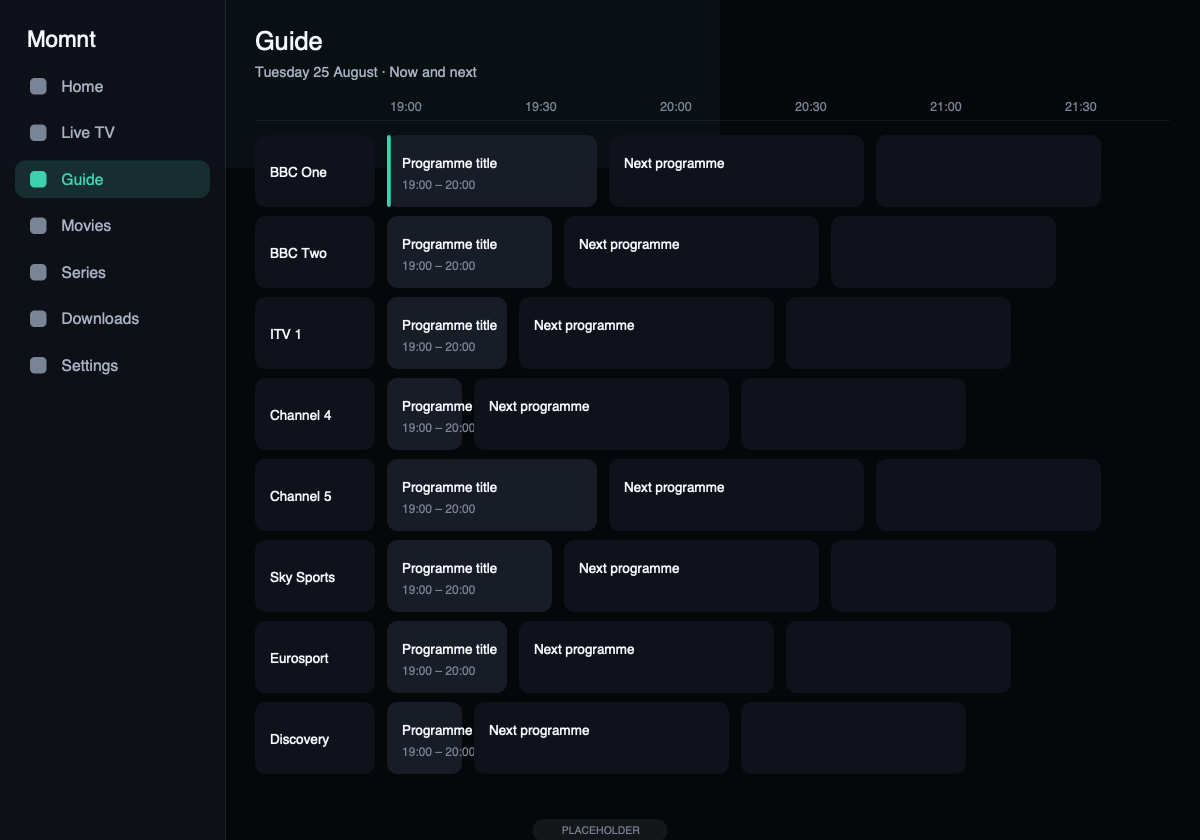
Guide on iPadHours of schedule across dozens of channels, without scrolling sideways.
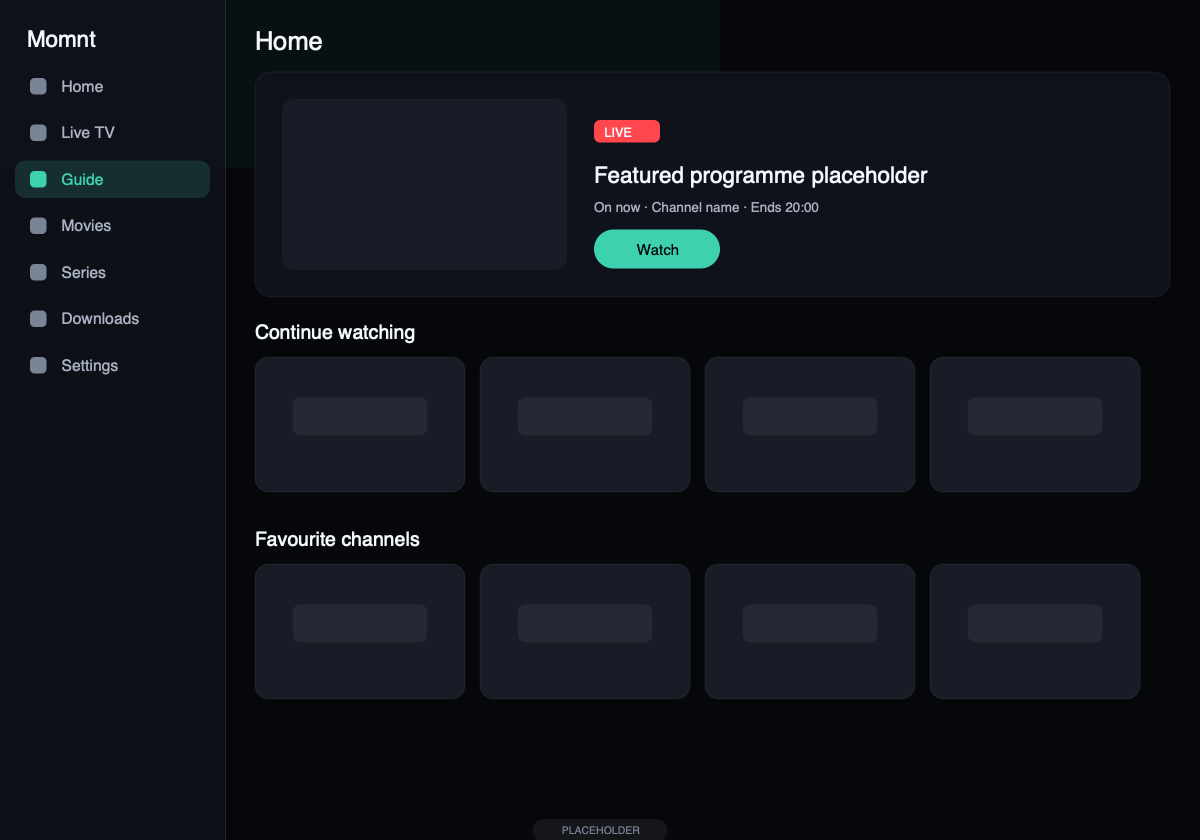
Home on iPadSidebar navigation and wider rails on the large display.
What Momnt deliberately does not do
Momnt supplies no content. There is no channel list bundled with the app, no catalogue of services to browse, and no way to buy a subscription inside it. If you have no IPTV provider, the app has nothing to play.
- No account with us. No sign-up screen, no email address, no password to choose.
- No proxy or relay. Streams go from your device to your provider. We are not in the path and could not be.
- No catalogue tracking. Analytics never carry channel, film, episode or programme identity — that is enforced in code and in tests.
Try it with your own service
Free on the App Store. Add an Xtream Codes login, an M3U URL or a provider code, and the catalogue loads in under a minute.
Momnt IPTV is a media player. It does not provide, sell, host or resell IPTV subscriptions, channels, streams or any other content. You need your own IPTV service, obtained legally, to use the app.