iPhone
An IPTV player built for iPhone
Momnt IPTV runs on iPhone with iOS 26.0 or later. It plays the IPTV service you already subscribe to — Xtream Codes or M3U — with a guide, libraries and downloads laid out for a screen you hold in one hand.
- Requires
- iOS 26.0 or later
- Price
- Free
- Download size
- 54.7 MB
- Momnt account
- Not required
What the iPhone layout changes
A phone is not a small television. The guide scrolls rather than sprawls, the channel list keeps what is on now attached to the channel itself, and the player’s controls are placed where a thumb already is.
Everything else is identical to the iPad build: the same catalogue, the same favourites, the same downloads. Switching devices does not mean relearning the app.
Made for the way a phone gets used
Reachable with one hand
Navigation sits at the bottom, tap targets meet the 44-point minimum, and the controls you use while watching are within thumb reach rather than at the top of a six-inch screen.
Picture in Picture
Shrink the stream into a floating window and keep it there while you use another app. Audio can also keep playing when you leave the app entirely, which is what makes a news channel usable on a commute.
Downloads for the Underground
Queue a film or a few episodes over Wi-Fi before you leave. Transfers continue in the background, stay inside the storage limit you set, and play with no signal at all.
Reminders that arrive on your phone
Set a reminder on anything in the guide and iOS notifies you before it starts. The scheduling happens on the device — nothing about what you plan to watch is sent anywhere.
Screens
Momnt IPTV on iPhone
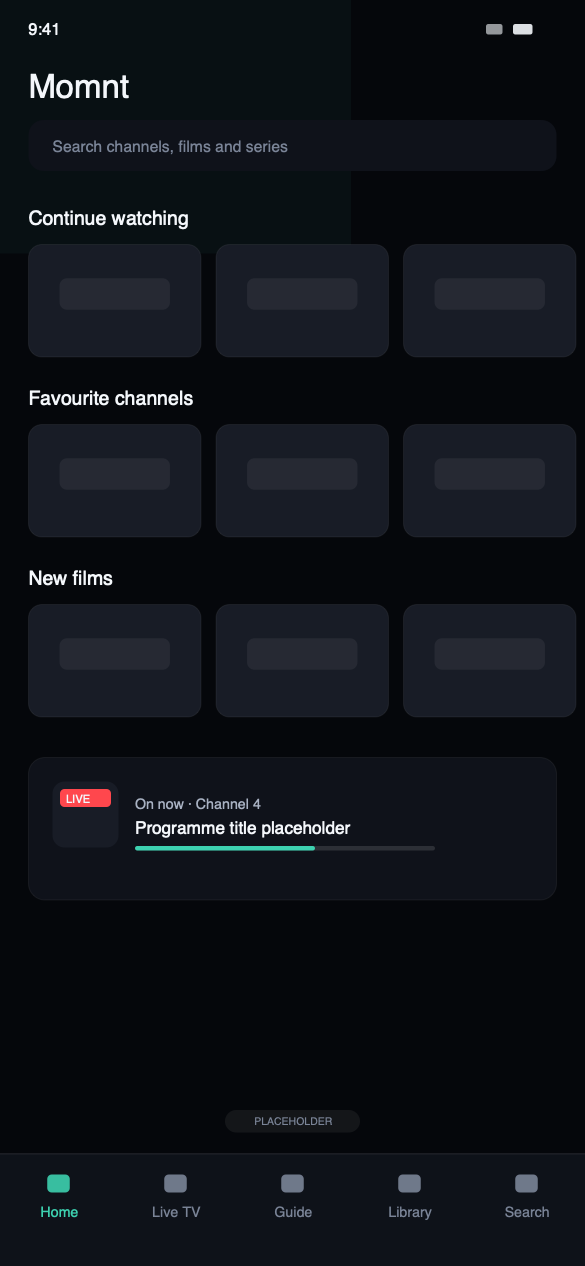
HomeRecently watched and favourites first.
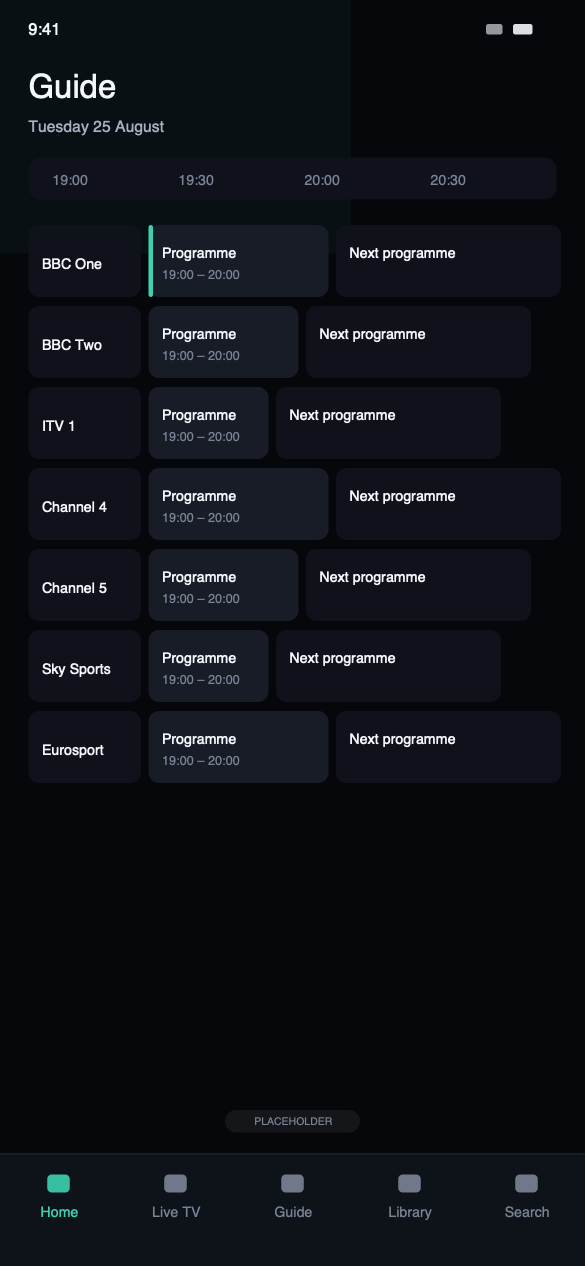
GuideThe EPG your service publishes, drawn as a grid.
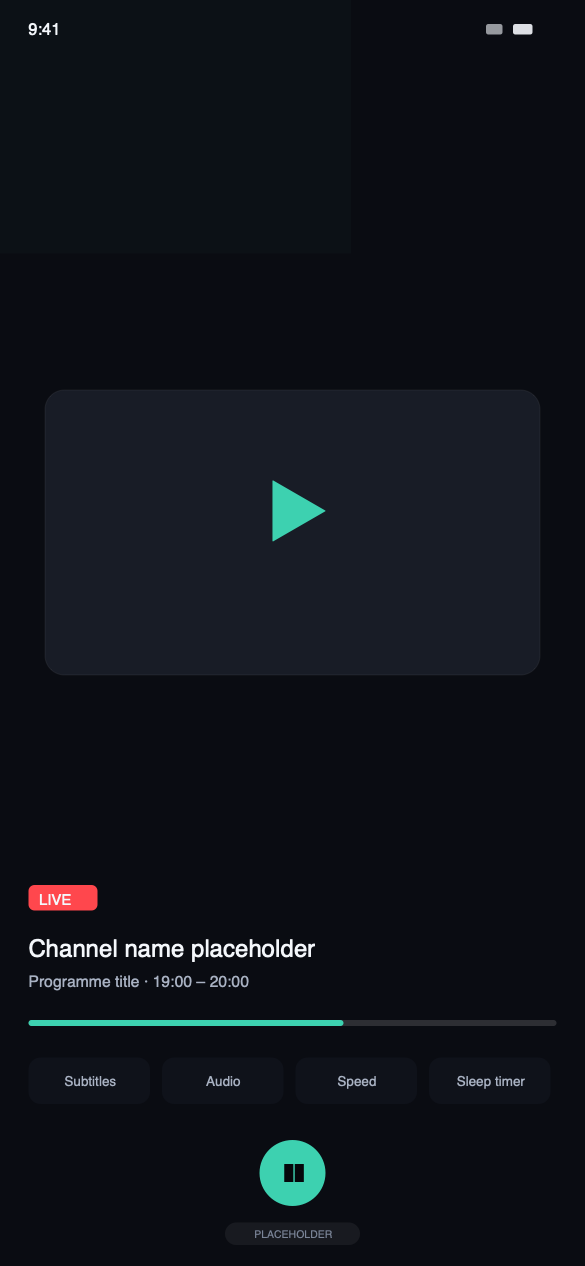
PlayerSubtitles, audio tracks, speed and a sleep timer.
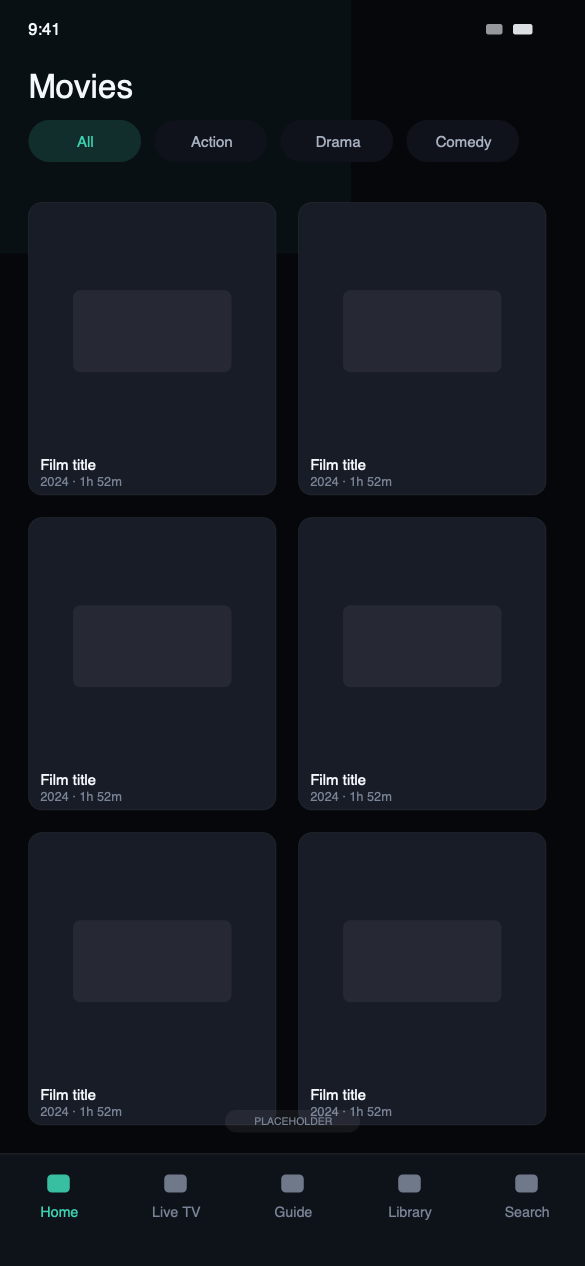
MoviesYour provider’s catalogue with artwork and synopses.
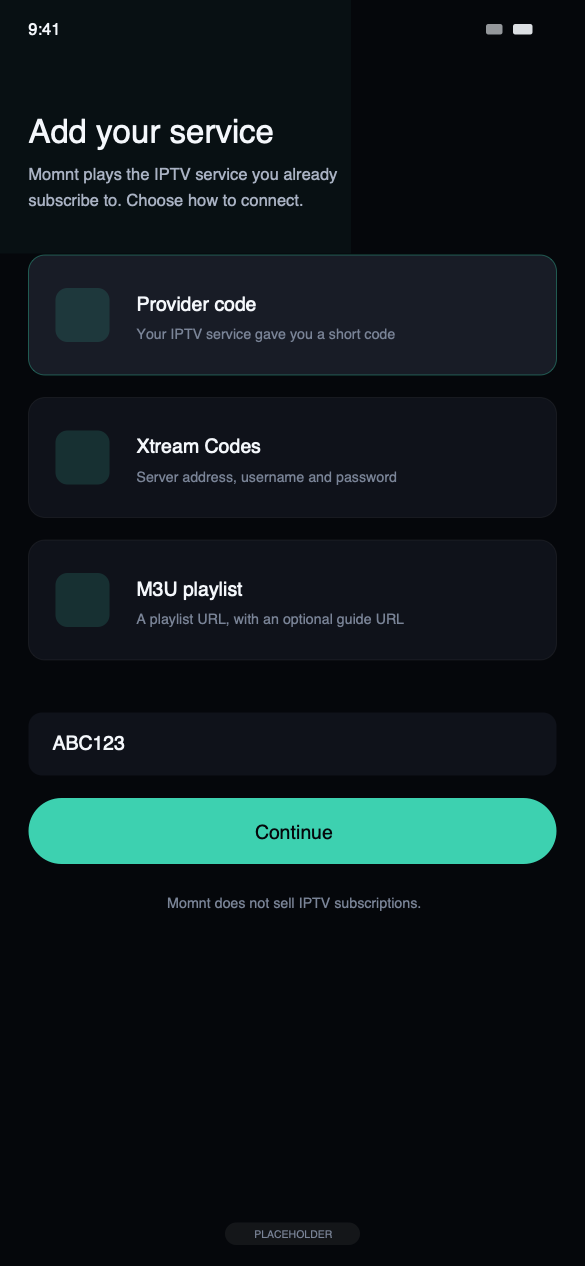
SetupProvider code, Xtream Codes or an M3U URL.
Setting it up
Three steps, and none of them involve us.
Download from the App Store
Momnt IPTV is free and requires iOS 26.0 or later. There is no account to create and no trial to start.
Add your service
Enter an Xtream Codes server, username and password; or an M3U playlist URL with an optional XMLTV guide; or a provider code if your IPTV service issued one.
Wait for the first catalogue load
Momnt fetches your channels, films, series and guide once, then keeps a local copy so the app opens instantly and the guide is readable offline.
Not sure which login you have? Your provider’s welcome email almost always contains either a server address with a username and password, or a single long playlist URL. The Xtream Codes setup guide walks through both.
iPhone questions
Can I use Momnt IPTV on iPhone?
Yes. Momnt IPTV runs on iPhone with iOS 26.0 or later, and the interface is built for one-handed use: a reachable tab bar, large tap targets, and Picture in Picture so a stream keeps playing while you do something else.
Does Momnt IPTV support Xtream Codes?
Yes. Xtream Codes is a first-class login method: enter the server address, your username and your password, and Momnt loads the live channels, movies, series and the portal’s built-in programme guide.
M3U playlists are supported too, with an optional XMLTV URL for the guide. You can add several playlists and switch between them; each keeps its own catalogue, favourites and history.
Can I download films or episodes to watch offline?
Yes, for on-demand content your provider serves as a downloadable file. Transfers continue in the background, default to Wi-Fi only, and stay inside a storage limit you set. Live channels cannot be downloaded — there is no file to fetch.
Does Momnt store my IPTV credentials?
Not on any server of ours — we do not operate one that could hold them. Your IPTV username and password are stored in the iOS Keychain on your device and sent only to the server address you configured, when the app requests your channels or a stream.
Streams are not proxied through Momnt. Traffic goes from your device to your provider directly.
Put your subscription on your phone
Free on the App Store, no Momnt account, and your credentials never leave the device except to reach your own provider.
Momnt IPTV is a media player. It does not provide, sell, host or resell IPTV subscriptions, channels, streams or any other content. You need your own IPTV service, obtained legally, to use the app.