IPTV player · iPhone and iPad
A modern IPTV player for iPhone and iPad
Momnt IPTV connects to the IPTV service you already pay for — Xtream Codes or M3U — and turns it into live television with a proper programme guide, movie and series libraries, reminders and offline downloads.
- iPhone
- iPad
- Android — coming soon
Momnt IPTV is a player only. It supplies no channels, streams or subscriptions — you need your own IPTV service. Why?
How Momnt IPTV fits together
Most confusion about IPTV comes from mixing up the app with the service. Here is the split, plainly.
You bring the service
An Xtream Codes login, an M3U playlist URL, or a provider code from a service that works with Momnt. Momnt sells none of these and never will.
Momnt brings the player
Live channels, a real programme guide, movies and series libraries, reminders and offline downloads — built for iOS rather than ported to it.
Nothing sits in between
No Momnt account, no proxy, no relay. Your credentials stay in the iOS Keychain and your streams go straight to your provider.
The product
Everything your subscription already includes, finally usable
Your provider sends channels, a guide, films and series. Momnt’s job is to make all four navigable on a phone.
Live TV
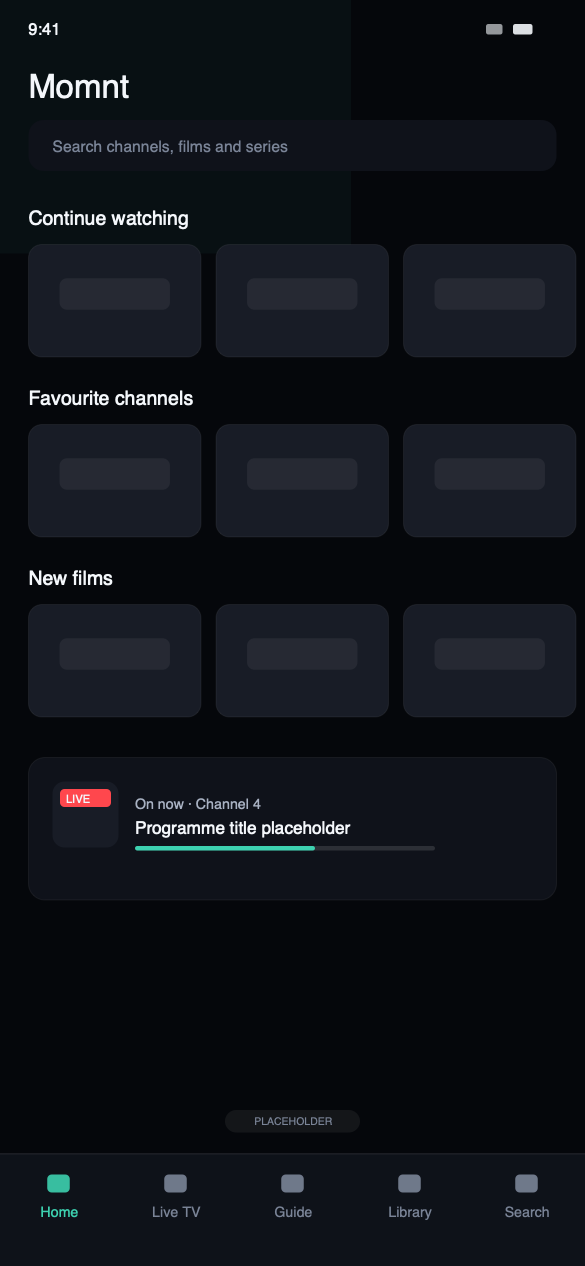
Your provider’s channels, grouped by their own categories, with what is on now and what follows it shown on the channel itself. Favourites and recently watched sit at the top so the channels you use are never more than a tap away.
Electronic programme guide
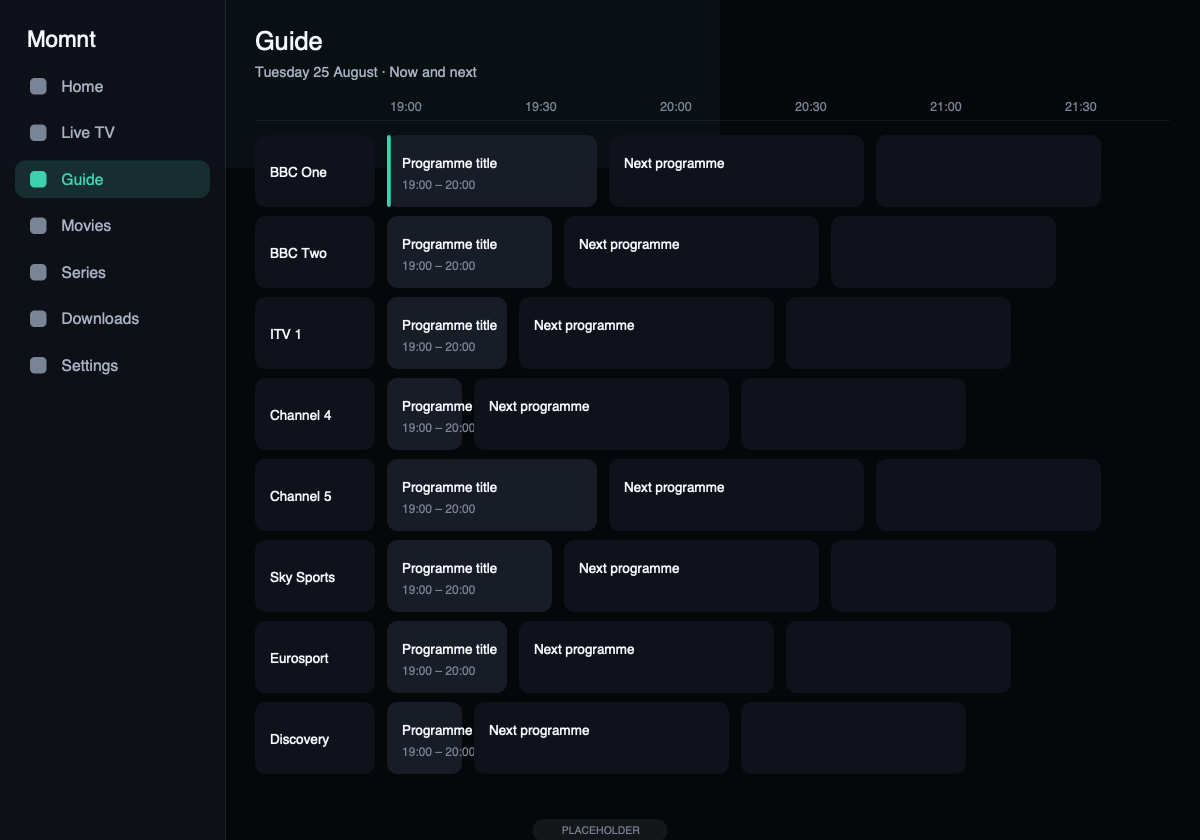
Momnt reads the EPG your service publishes — an XMLTV feed or the guide built into an Xtream Codes portal — and draws a scrollable grid across channels and time, with a programme detail view for each entry.
Movies
Your provider’s film catalogue with poster artwork, synopsis and runtime, browsable by category and searchable by title.
Credentials stay on your device
Your IPTV username and password are stored in the iOS Keychain and sent only to the server you configured. Momnt operates no proxy, no relay and no account system that could hold them.
On screen
Built for iOS, not ported to it
Placeholder captures for now — the layout, spacing and typography are the shipping design.
HomeRecently watched and favourites first.
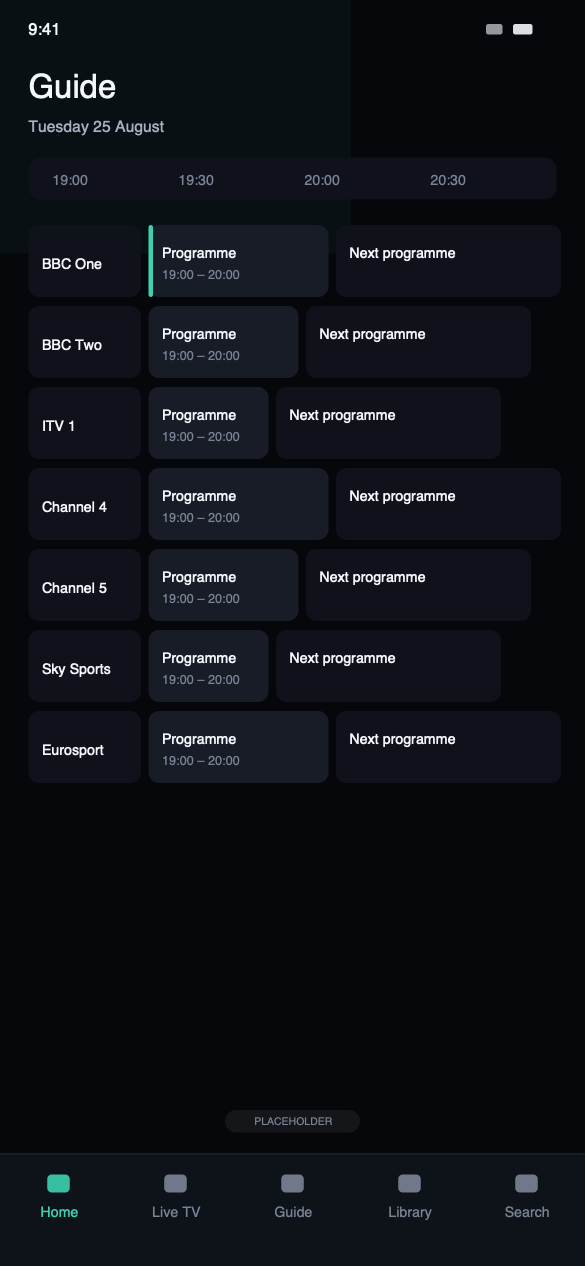
GuideThe EPG your service publishes, drawn as a grid.
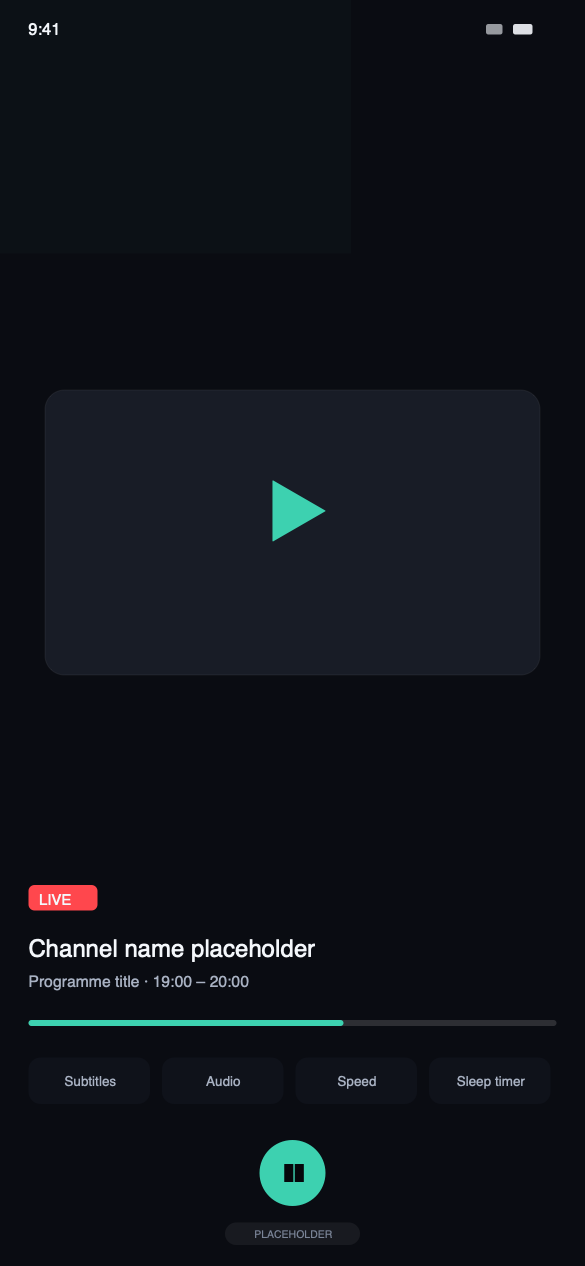
PlayerSubtitles, audio tracks, speed and a sleep timer.
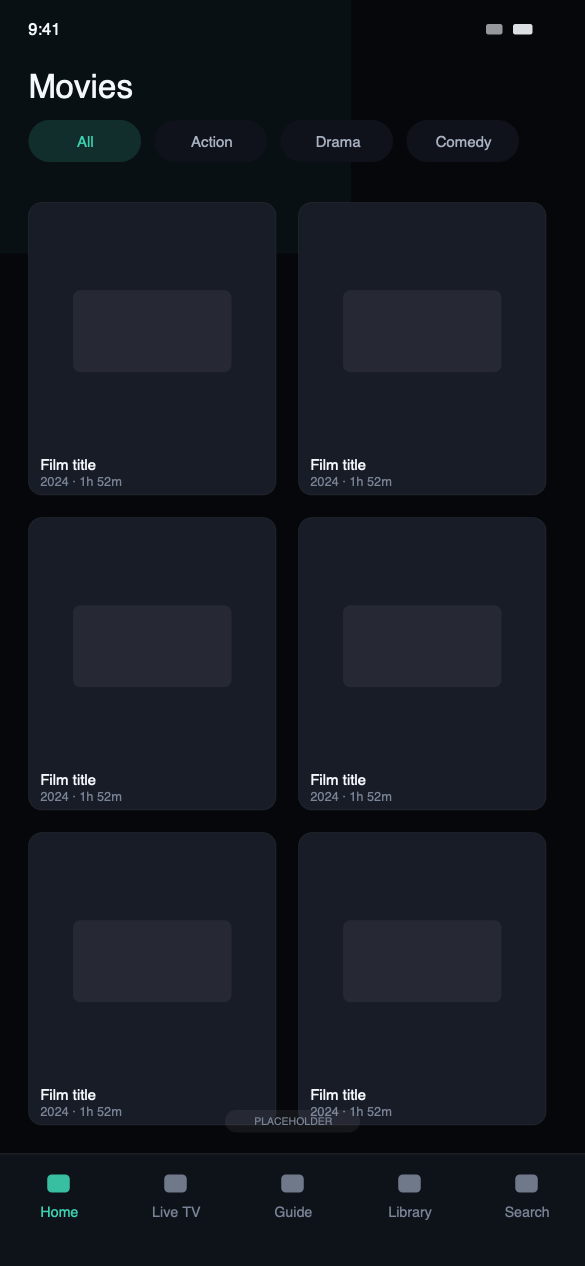
MoviesYour provider’s catalogue with artwork and synopses.
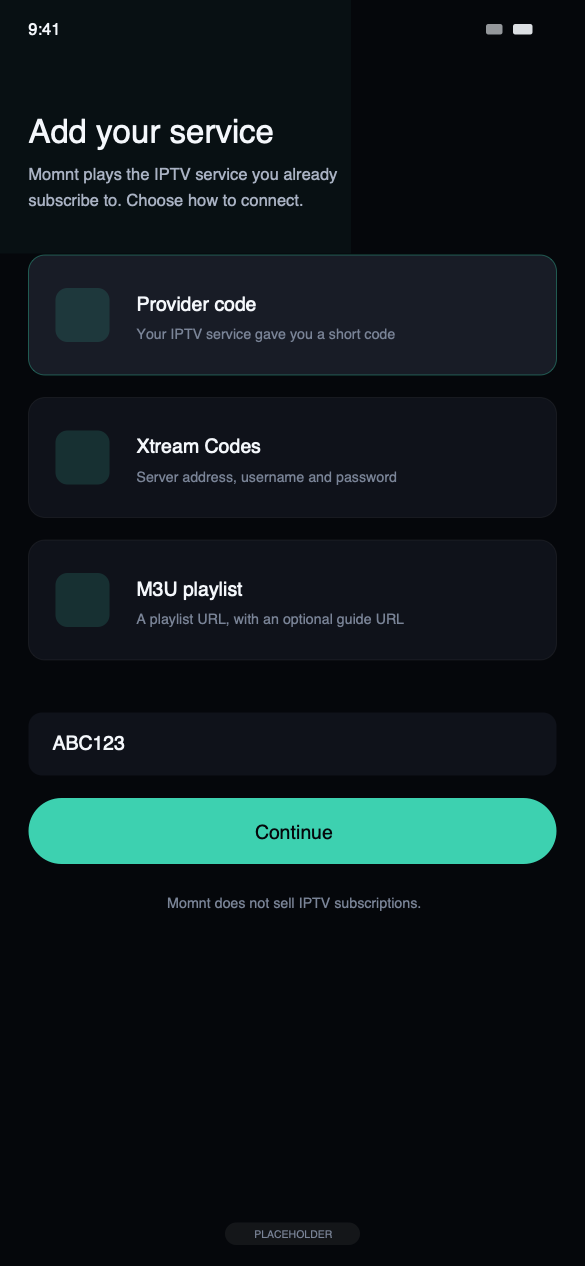
SetupProvider code, Xtream Codes or an M3U URL.
Privacy
A player that does not need to know you
Privacy in an IPTV app is mostly about what the app refuses to build. Momnt has no account system, no server holding your credentials and no analytics that could identify what you watch — because none of those were ever created.
Your IPTV username and password are stored in the iOS Keychain and sent only to the server address you configured. We operate no proxy your streams could pass through.
- No Momnt account, no sign-up, no email address required
- No IPTV service supplied, sold or resold by us
- Your streams are never proxied through our servers
- IPTV credentials held in the iOS Keychain on your device
- Analytics that record how much played, never what played
- Ad tracking refused by default until you say otherwise
iPad
The guide, at full size
An iPad shows hours of schedule across dozens of channels at once. Momnt uses the space instead of stretching a phone layout across it: a wider guide grid, larger artwork rails and full-screen playback with AirPlay.
Where you can use it
Two platforms today, honestly labelled. A third is being built.
iPhoneAvailable now
The full player, laid out for one hand and a small screen. iOS 26.0 or later.
iPadAvailable now
A wider guide, more of the catalogue on screen, and full-screen playback. iPadOS 26.0 or later.
AndroidComing soon
In development. The same player, the same setup, no Momnt account.
For IPTV services
Ship your own branded setup, without building an app
If you run an IPTV service, a Momnt provider configuration gives your customers a one-code setup carrying your name, colours, artwork and server list. No app to build, no revenue share, and no customer data passed to us.
One code instead of a support ticket
Your customer types a short code. The server address, the display name and the branding are already correct, so the only thing left for them to get wrong is a password they can reset themselves.
Your brand, not ours
Logo, dark logo, login background, primary and accent colours, surface and text colours, and the wording on the login screen. Customers see your service, in a player you did not have to build.
Several endpoints, ordered by you
List as many servers as you run, each with a display name and a region, ordered how you want them tried. Disable one for maintenance and it disappears from the picker on every device at once.
Questions
What people ask before they download
What is an IPTV player?
An IPTV player is an app that plays television delivered over the internet rather than through an aerial, satellite dish or cable. It does not produce the channels: it connects to a service you already subscribe to, reads the channel list and programme guide that service publishes, and plays the streams.
A player is to IPTV roughly what a web browser is to websites. The browser does not write the pages, and the player does not broadcast the channels.
Does Momnt provide IPTV subscriptions or channels?
No. Momnt IPTV supplies no channels, no streams, no playlists and no subscriptions, and none are bundled with the app. We do not sell, resell, host or index any content.
The app is empty until you connect a service you have obtained legally and pay for yourself. Nothing in the app suggests where to find one, because that is not what we do.
Do I need my own IPTV provider?
Yes. You need an active subscription with an IPTV service, and either an Xtream Codes login (server address, username and password), an M3U playlist URL, or a provider code from a service that works with Momnt.
Without one of those the app has nothing to play. If you are not sure which you have, check the email your provider sent when you signed up — it almost always contains one of the three.
Does Momnt IPTV support Xtream Codes?
Yes. Xtream Codes is a first-class login method: enter the server address, your username and your password, and Momnt loads the live channels, movies, series and the portal’s built-in programme guide.
M3U playlists are supported too, with an optional XMLTV URL for the guide. You can add several playlists and switch between them; each keeps its own catalogue, favourites and history.
Does Momnt IPTV include an EPG?
Momnt reads the electronic programme guide your service publishes — either an XMLTV feed or the guide built into an Xtream Codes portal — and draws it as a scrollable grid of channels against time, with a detail view for each programme.
We do not supply guide data ourselves. If your provider publishes no EPG, or publishes an incomplete one, the app can only show what is there.
Does Momnt store my IPTV credentials?
Not on any server of ours — we do not operate one that could hold them. Your IPTV username and password are stored in the iOS Keychain on your device and sent only to the server address you configured, when the app requests your channels or a stream.
Streams are not proxied through Momnt. Traffic goes from your device to your provider directly.
Get Momnt IPTV
Free on the App Store for iPhone and iPad. Add your service, and the first channel is about a minute away.
Momnt IPTV is a media player. It does not provide, sell, host or resell IPTV subscriptions, channels, streams or any other content. You need your own IPTV service, obtained legally, to use the app.