M3U playlists
An M3U playlist player for iPhone and iPad
If your provider gave you a single long playlist link, that is an M3U and Momnt IPTV loads it directly. Add an XMLTV URL beside it for a programme guide, or leave it out.
- Formats
- M3U and M3U8
- Guide
- Optional XMLTV URL
- Playlists at once
- Several
- Momnt account
- Not required
What an M3U playlist carries, and what it does not
An M3U file is a plain text list of channels: a name, usually a logo, a group label and the address of the stream. That is the entire format, and it is why a playlist on its own gives you channels and no schedule.
The programme guide arrives separately, as an XMLTV URL. Momnt has a field for each, side by side, because they are two different things that providers hand out separately.
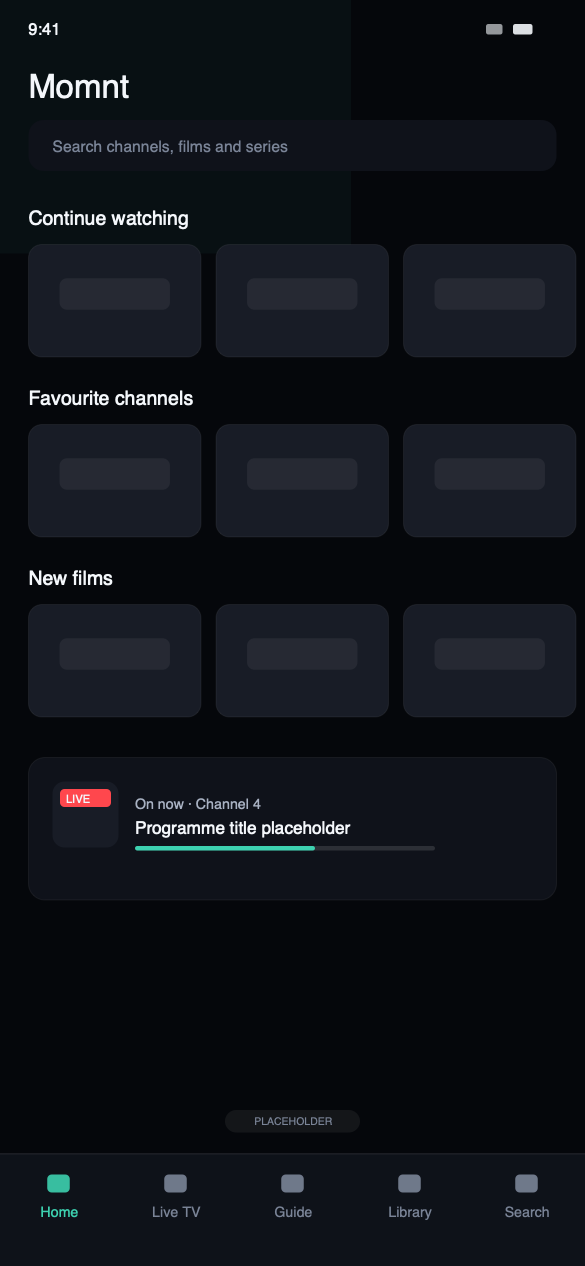
What Momnt does with a playlist
M3U and M3U8, with or without a guide
Paste the playlist URL your provider gave you. The XMLTV field beside it is optional — leave it empty and the channels still play, you simply have no schedule.
XMLTV guide data, cached
Supply an XMLTV URL and Momnt matches it against your channels, refreshes it in the background and keeps a local copy so the guide opens instantly and works offline.
Several playlists at once
Add more than one list and keep each one’s channels, favourites and history separate. Name them something you will recognise later.
Large lists without the stutter
Playlists running to tens of thousands of lines are indexed once and cached, so browsing and search stay quick rather than degrading with catalogue size.
If your provider offers both, take the Xtream Codes login
Worth saying plainly rather than letting you find out later. An M3U playlist is a flat list, so everything the player shows has to be inferred from channel names and group labels. An Xtream Codes portal returns live channels, films and series as separate collections, with artwork, descriptions and schedule attached.
On an M3U service a film library often arrives as several thousand undifferentiated entries. The same provider over Xtream Codes gives you a browsable catalogue with posters and plot summaries. Momnt supports both properly — this is simply the better input.
Playlist questions
Do I need my own IPTV provider?
Yes. You need an active subscription with an IPTV service, and either an Xtream Codes login (server address, username and password), an M3U playlist URL, or a provider code from a service that works with Momnt.
Without one of those the app has nothing to play. If you are not sure which you have, check the email your provider sent when you signed up — it almost always contains one of the three.
Does Momnt IPTV include an EPG?
Momnt reads the electronic programme guide your service publishes — either an XMLTV feed or the guide built into an Xtream Codes portal — and draws it as a scrollable grid of channels against time, with a detail view for each programme.
We do not supply guide data ourselves. If your provider publishes no EPG, or publishes an incomplete one, the app can only show what is there.
Does Momnt store my IPTV credentials?
Not on any server of ours — we do not operate one that could hold them. Your IPTV username and password are stored in the iOS Keychain on your device and sent only to the server address you configured, when the app requests your channels or a stream.
Streams are not proxied through Momnt. Traffic goes from your device to your provider directly.
Is Momnt IPTV free?
Yes. The app is a free download on the App Store and there is no subscription to Momnt itself. It is supported by advertising, and on first launch iOS asks whether apps may track you across other companies' apps and websites — declining is a supported answer that does not limit any feature.
You still pay your own IPTV provider separately. That relationship is entirely between you and them.
Paste your playlist and see
Free on the App Store for iPhone and iPad. There is no Momnt account, and your playlist URL is stored in the iOS Keychain rather than on a server of ours.
Momnt IPTV is a media player. It does not provide, sell, host or resell IPTV subscriptions, channels, streams or any other content. You need your own IPTV service, obtained legally, to use the app.