Xtream Codes
An Xtream Codes player for iPhone and iPad
If your provider gave you a server address, a username and a password, that is an Xtream Codes login and Momnt IPTV takes it directly. Three fields, and the whole catalogue arrives organised.
- You need
- URL, username, password
- Guide included
- Yes
- Portals at once
- Several
- Momnt account
- Not required
What Xtream Codes actually is
Xtream Codes is the portal software a large share of IPTV services run. Rather than handing you a single playlist link, it exposes an interface a player can query — ask for live channels, ask for films, ask for the schedule, and get each back as structured data.
That is the reason an Xtream Codes login almost always produces a tidier result than the same provider’s M3U link. The player is not guessing at categories from channel names; it is being told what everything is.
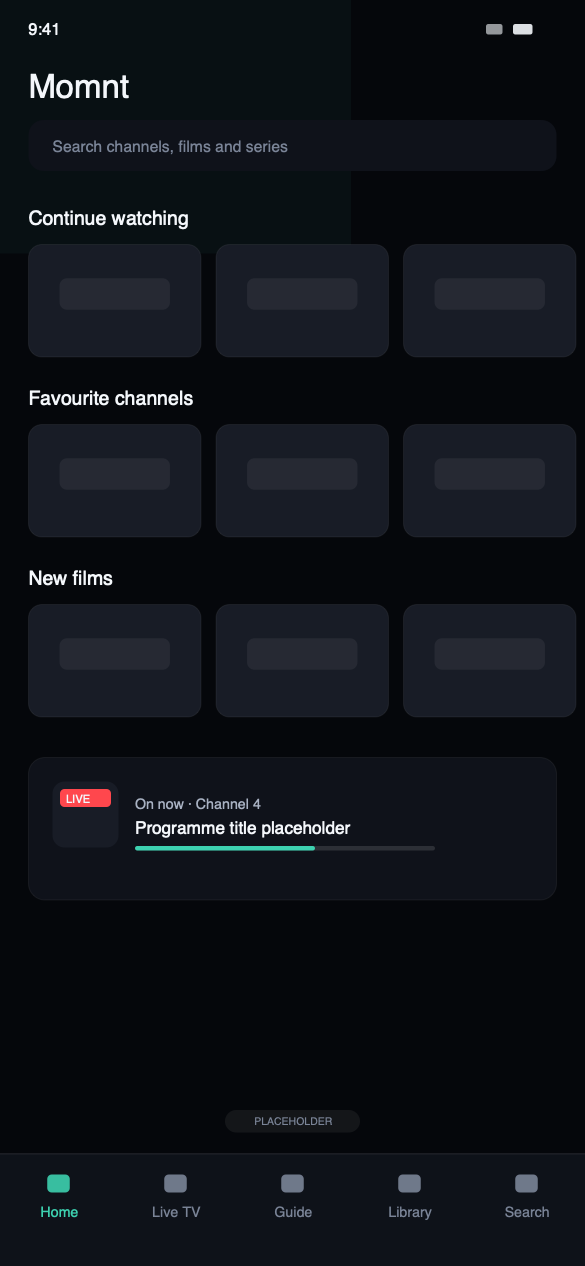
What you get from an Xtream Codes login
Live, films and series arrive separated
An Xtream Codes portal returns structured data rather than one flat list, so live channels, the film library and series each land in their own place with artwork and descriptions attached.
Guide data included
Schedule information comes down with the catalogue, so there is no second URL to find. Momnt caches it, which is what makes the guide readable instantly and still there offline.
Search that covers the whole catalogue
One search runs across live channels, films and series at once, over catalogues that routinely run to tens of thousands of entries.
More than one portal at a time
Add several Xtream Codes logins and keep each one’s catalogue, favourites and history separate. Useful when you are comparing a replacement against what you already pay for.
Where your credentials go
- Your username and password are stored in the iOS Keychain, not in a preferences file and not on any server of ours.
- They are sent to exactly one place: the portal address you typed. Momnt has no relationship with your provider and no copy of your login.
- Streams are never proxied. Your device connects to your provider directly, so nothing you watch passes through us. More on privacy.
Xtream Codes questions
Does Momnt IPTV support Xtream Codes?
Yes. Xtream Codes is a first-class login method: enter the server address, your username and your password, and Momnt loads the live channels, movies, series and the portal’s built-in programme guide.
M3U playlists are supported too, with an optional XMLTV URL for the guide. You can add several playlists and switch between them; each keeps its own catalogue, favourites and history.
Do I need my own IPTV provider?
Yes. You need an active subscription with an IPTV service, and either an Xtream Codes login (server address, username and password), an M3U playlist URL, or a provider code from a service that works with Momnt.
Without one of those the app has nothing to play. If you are not sure which you have, check the email your provider sent when you signed up — it almost always contains one of the three.
Does Momnt store my IPTV credentials?
Not on any server of ours — we do not operate one that could hold them. Your IPTV username and password are stored in the iOS Keychain on your device and sent only to the server address you configured, when the app requests your channels or a stream.
Streams are not proxied through Momnt. Traffic goes from your device to your provider directly.
Does Momnt IPTV include an EPG?
Momnt reads the electronic programme guide your service publishes — either an XMLTV feed or the guide built into an Xtream Codes portal — and draws it as a scrollable grid of channels against time, with a detail view for each programme.
We do not supply guide data ourselves. If your provider publishes no EPG, or publishes an incomplete one, the app can only show what is there.
Bring your Xtream Codes login
Free on the App Store for iPhone and iPad. Enter the server, username and password your provider gave you, and the catalogue is there.
Momnt IPTV is a media player. It does not provide, sell, host or resell IPTV subscriptions, channels, streams or any other content. You need your own IPTV service, obtained legally, to use the app.